Type the entire Bible and track your progress.
Hours of gameplay and learning. Give it a try!
Word uses the World English Bible (WEBP) translation.


Type the entire Bible and track your progress.
Hours of gameplay and learning. Give it a try!
Word uses the World English Bible (WEBP) translation.
Track your progress. No penalty for reading the verse (5 second idle reset). See mistyped characters (optional). Press Delete to restart the level. Choose to display WPM and/or Mistakes, and much more!
Click to play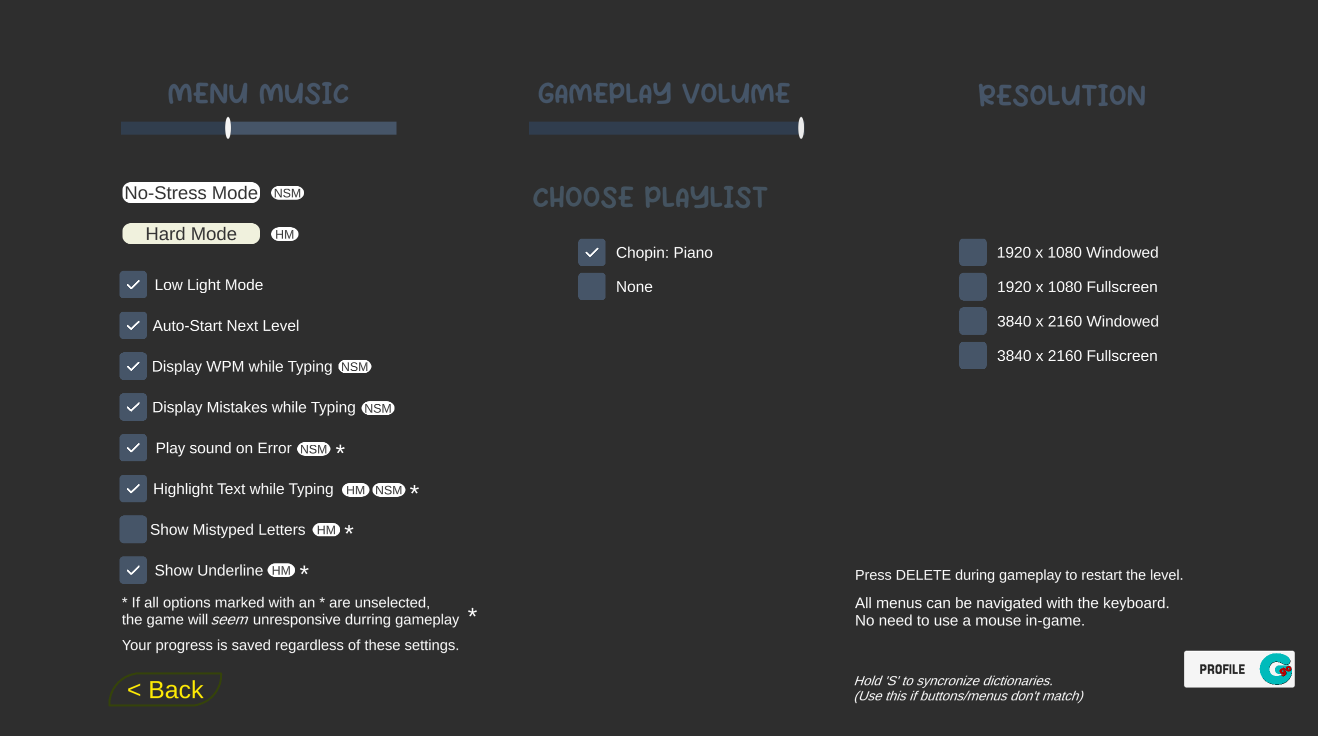
Your progress is displayed on mulitple gameplay menus (Book, Chapter and Verse menu), and on the Progress Menu.
Take me to the game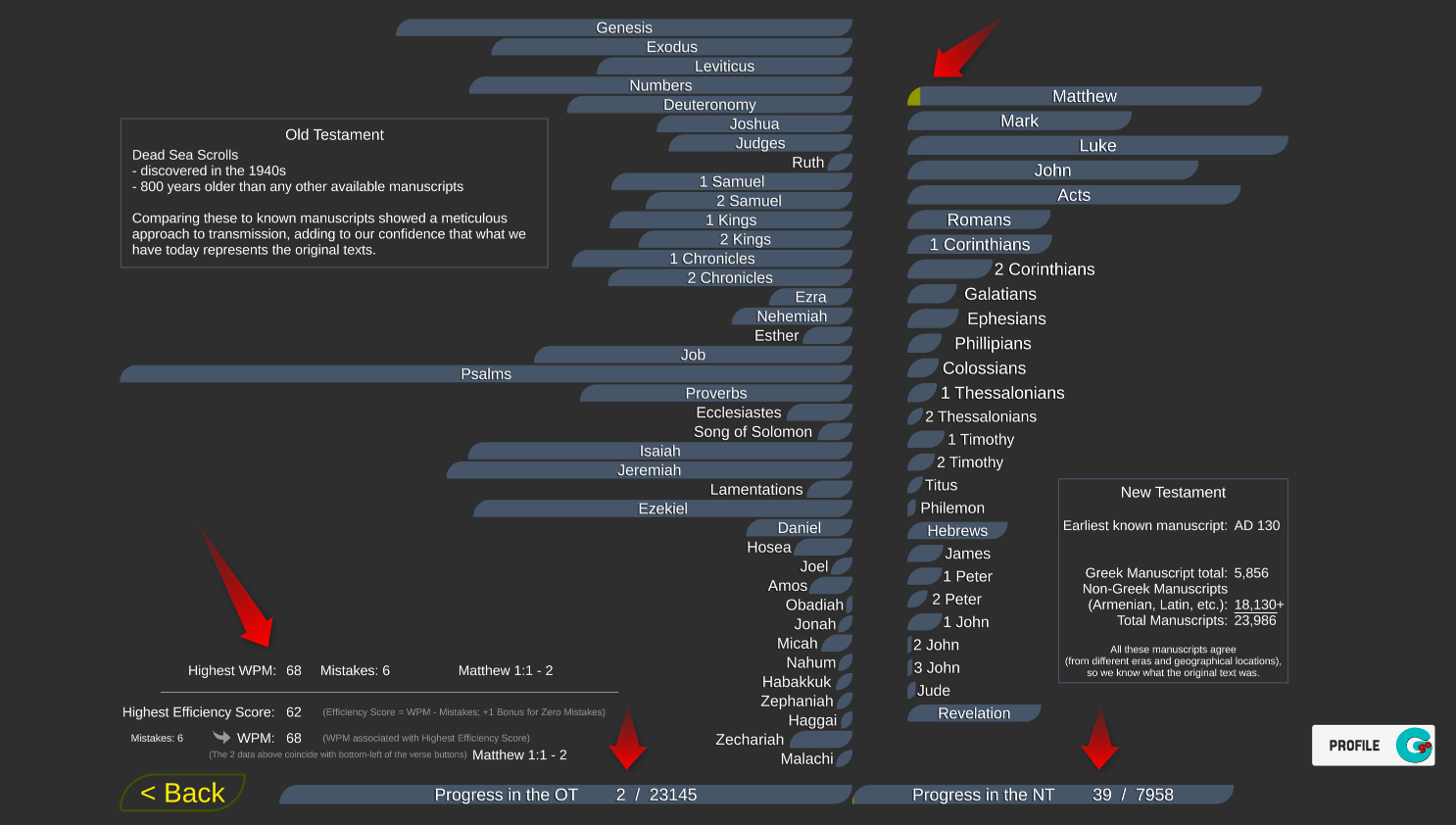
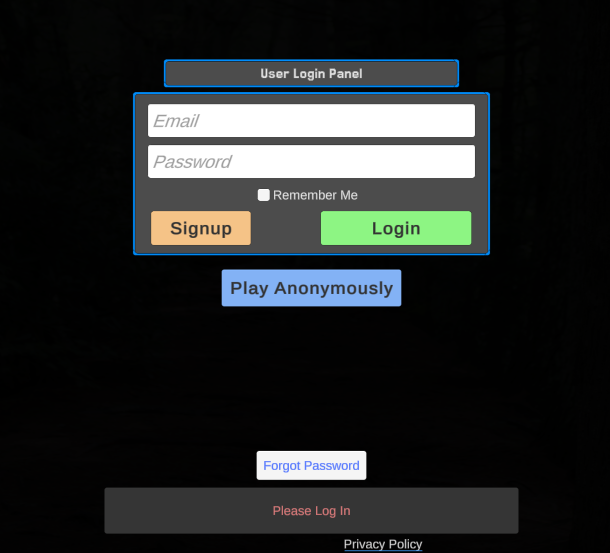
Login with email and password to save your progress in the cloud. Play from any desktop browser (PC/Mac/Linux) without losing progress.
Play